In brief
Key takeaways
- Sort surface effects by family first: cane, inlay, applique, print, or mix-and-fold. The family decides the right deeper guide and the right reference image
- Condition the clay fully, since conditioning removes trapped air and mixes the clay evenly, and bake flat pieces on a ceramic tile
- Pair finish to family: matte for cane and mokume gane, tested gloss for sutton slice and applique, satin or matte for screen and stencil work
- Test the pattern on a small swatch before scaling. Use it to check whether the colors change during cure and how the chosen finish looks on that exact clay and technique
Article contentsOpenClose
Choose a guide from the visual result you want, then make one package-directed material test before you build the finished piece.
Start With The Visible Result
- Caning or mokume gane: open the mokume gane and slicing guide. Both are documented Premo techniques.
- Folded color: use the marbling guide and stop while the source colors remain visible.
- Pressed or flush pattern: compare the Sutton slice, terrazzo, and applique and confetti routes.
- Raised motifs: use the two-color flower applique guide.
- Printed graphics: use the silkscreen and stencil guide.
- Layered pattern study: use the nerikomi-inspired guide.
- Color transition: use the gradient and ombre guide.
These names route a project; they do not create one manufacturer taxonomy. Sutton slice, terrazzo, applique, print, nerikomi-inspired patterns, and gradients remain separate studio exercises.
Test The Complete Material Stack
- Keep the clay brand, product line and every paint, ink, powder, adhesive or finish name beside the sample.
- Condition the clay by its maker's directions.
- Apply only the surface steps planned for the piece.
- Cure by the exact package with an oven thermometer in the baking area.
- Let the sample cool and inspect the pattern and surface together.
Compare the raw, baked and finished surfaces to find the step where the unwanted mark appears. If a pattern smears while rolling, stop earlier on the next sample. If a coating changes the colour, compare a coated and uncoated baked offcut before finishing the whole piece.
Choose Finish By Product, Not Technique Name
Check the finish label against the exact clay and every surface material beneath it. Test the complete stack on cured scrap before coating the finished piece. Use the finish compatibility guide for the label checks.
More guides in this path
Open these when the next decision is material choice, attachment, or finishing.
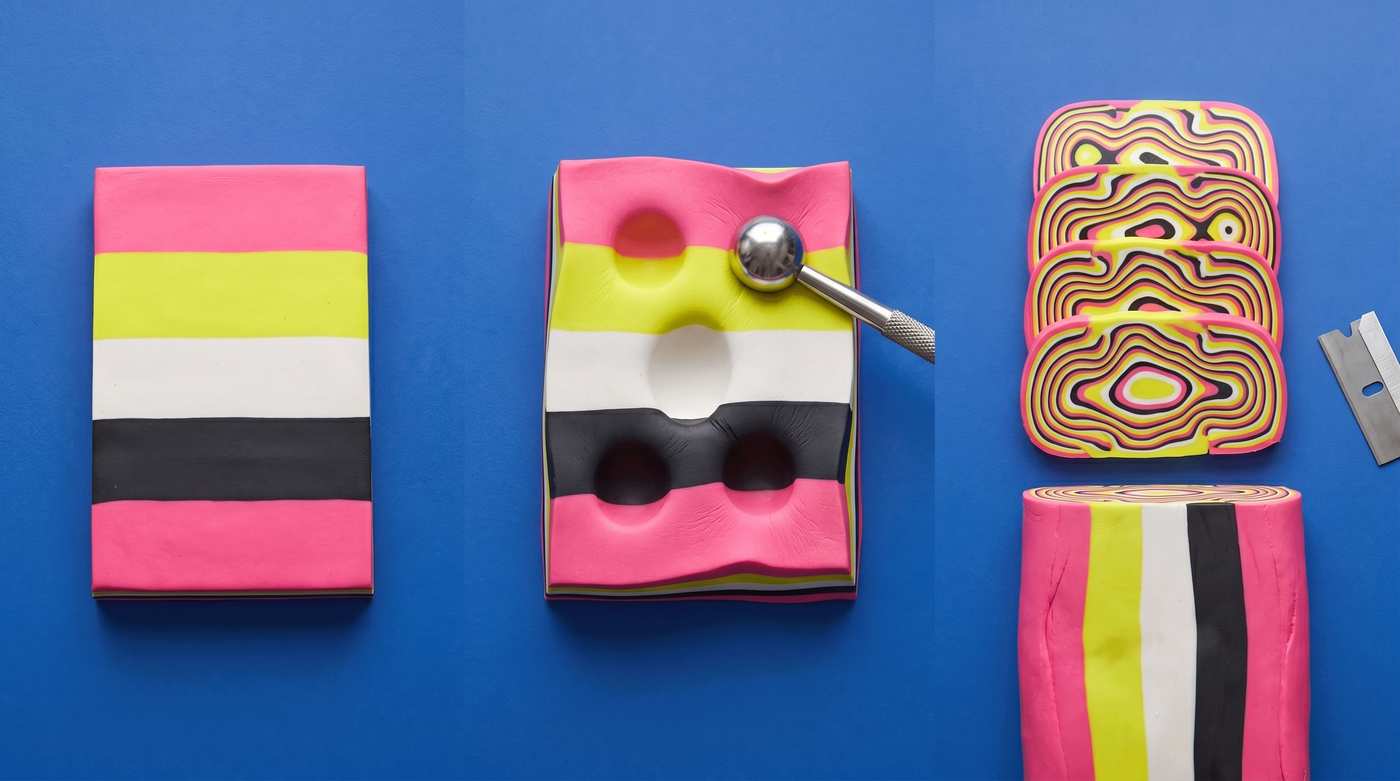
Polymer Clay Mokume Gane: Reduction, Distortion, and Slicing
Mokume gane only reveals its topographic pattern when the stack is distorted before slicing. This guide covers slab thickness, the poke-and-press distortion step, and slicing the stack so each layer makes a clean ring instead of a smear.
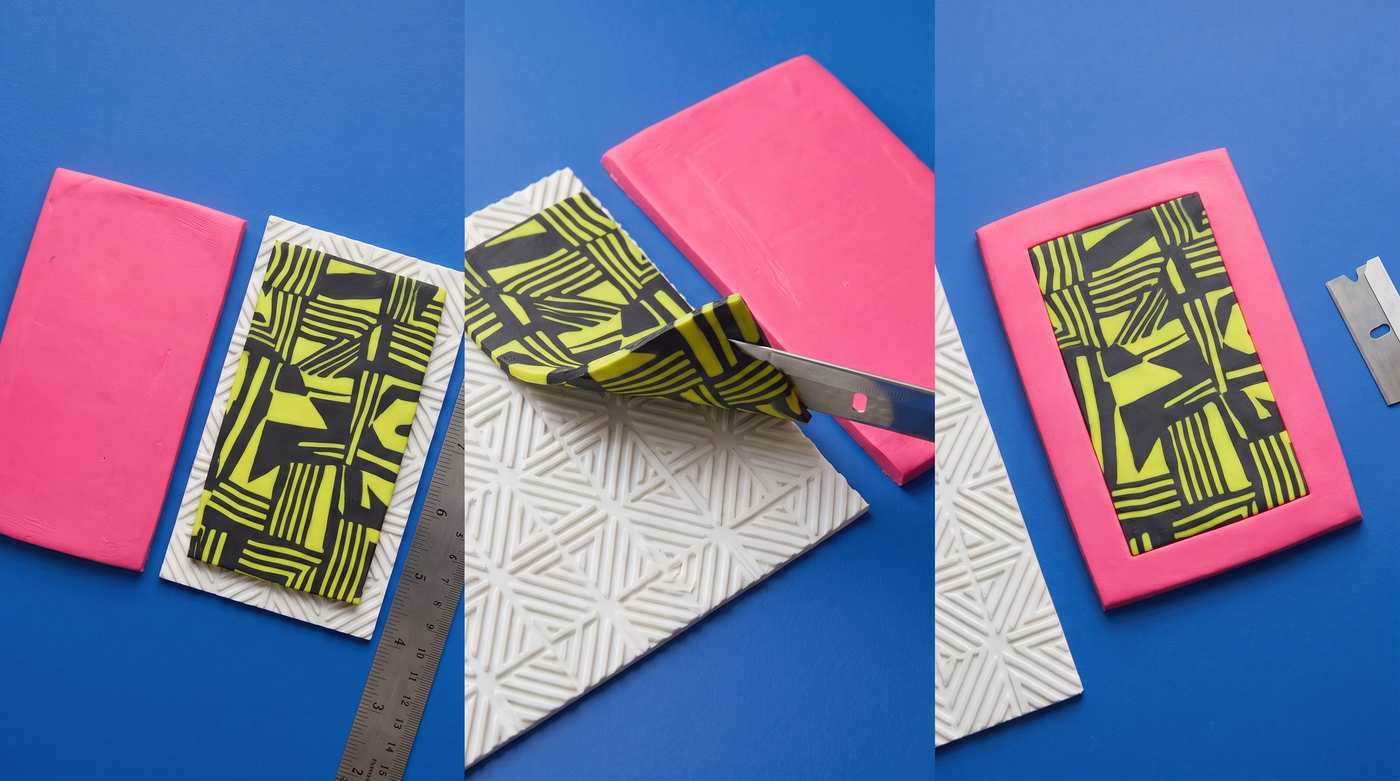
Sculpey Soufflé Sutton Slice: One Official Project
This guide stays within one official Sculpey Soufflé project and does not turn that example into a universal stamp, clay, depth, or transfer rule.
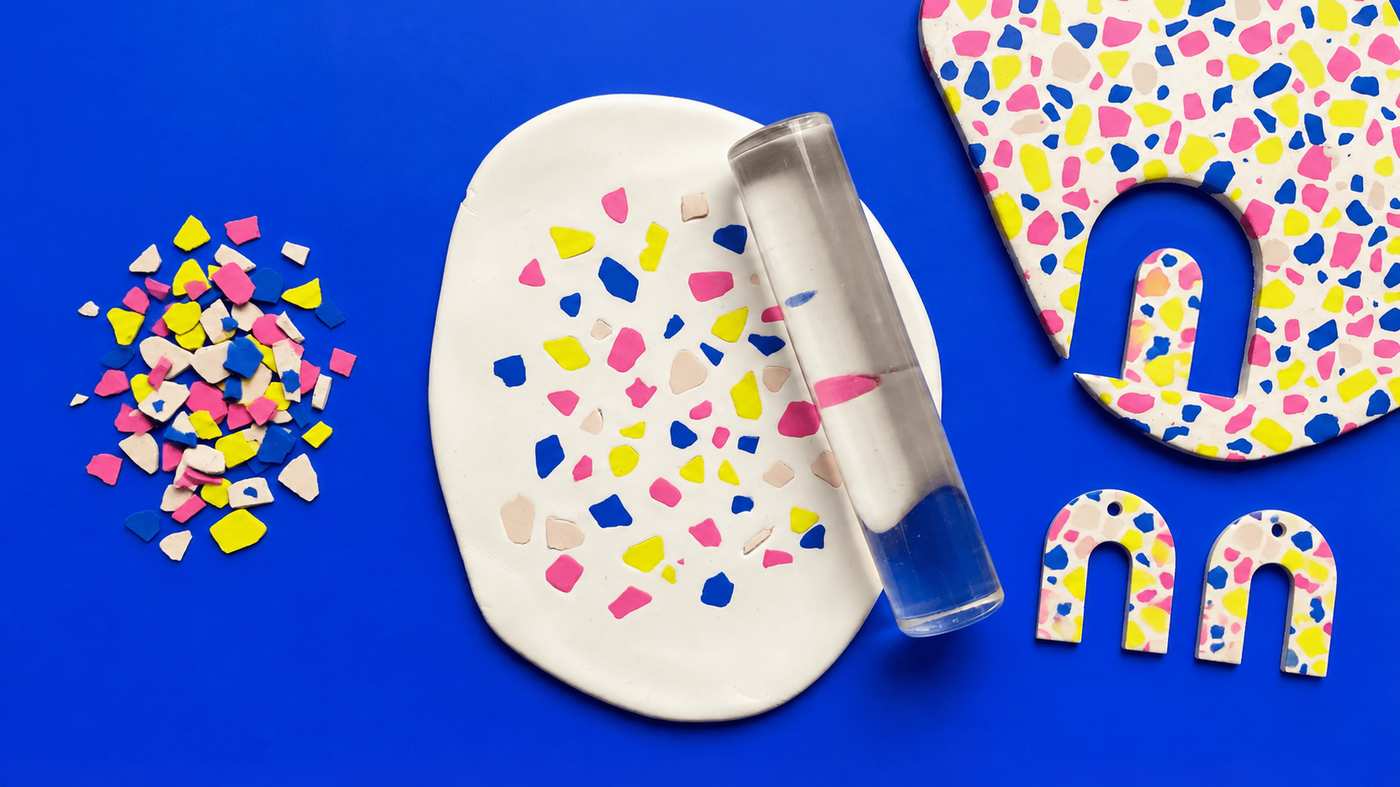
How to make polymer clay terrazzo: chips, slab, cut and sand
Roll thin chips in two to four colours, press them into a light base about 3 mm thick, roll them flush under paper, cut both earrings from the one slab, then bake and sand for the look of stone.
Finished examples with related clay decisions
Each piece shows how a material, attachment, or surface choice changes the final form.