Polymer Clay Silkscreens, Stencils, And Halftone Graphic Slabs
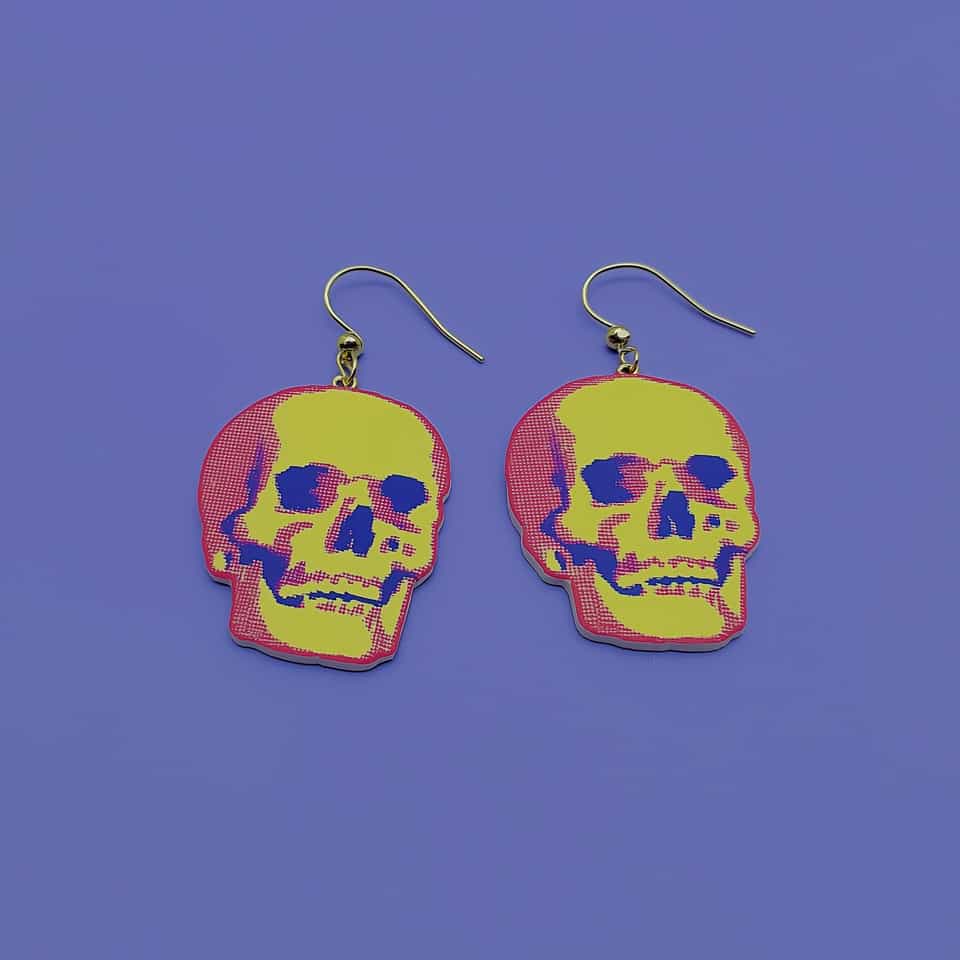
Graphic skulls and other bold printed slabs stay cleaner when the clay slab is even, the screen seals tightly, and the silhouette gets cut only after the printed surface dries.
Some links on this page are affiliate links. If you buy through them, we may earn a commission at no extra cost to you. As an Amazon Associate I earn from qualifying purchases. Disclosures

In brief
Key takeaways
- Roll the slab to a consistent thickness before printing. Uneven slab equals uneven graphic from one piece to the next
- Seat the screen or stencil flat and use a single thin pass of tested paint or medium. Heavy passes flood the halftone dots together
- Let the printed surface dry before cutting the silhouette. Cutting wet paint drags the graphic at the edge
- Graphic slab earrings usually stay sharper under matte or satin finish than under a thick gloss coat
Article contentsOpenClose
Compare one exact screen or stencil with one maker-approved paint or medium on a small clay sample. Do not transfer compatibility, drying, cleanup, or finish claims between products.
Keep Each Product Instruction Separate
Follow the screen or stencil maker for application and cleanup, the paint or medium maker for supported surfaces and drying, and the exact clay package for baking. One source does not replace another.
This silkscreen set transfers a repeating pattern onto the slab. Before choosing paint, read the screen's instructions for the supported medium and cleanup method.
Record One Small Sample
Write down the clay line, screen or stencil product, paint or medium, application tool, preparation, cleanup, package bake, and cooled result. Use acrylic paint only within the exact paint and Sculpey guidance.
Wait For The Exact Instructions
Cut, handle, bake, or finish the sample only after the named product instructions permit that step. Do not invent a universal dry-to-touch time or print sequence.
Keep Unsupported Categories Out
For Sculpey's acrylic-paint screen method, press the screen against the clay, lay paint across its top edge and draw it through the mesh with a squeegee. Peel from a corner before paint dries on the screen, then put the screen and squeegee in water for cleanup. Follow a different screen or medium's own instructions if its application or cleanup differs.
Bake And Compare
Follow the clay package with an oven thermometer in the baking area. Let the sample cool and inspect the printed dots or lines. If they have gaps, compare the screen's contact with the slab and the coverage of the paint before printing another piece.
Supplies
Supplies mentioned here
Quick links to the materials and tools that fit this article. ClayBake tools stay on our own catalog.
Silk screen stencils for polymer clay
Good for graphic repeat marks and halftone-style surfaces without painting every tiny dot by hand.
Acrylic roller for polymer clay
Starts the graphic on an even slab before you print the surface layer.
Clay blade set
Good for trimming the final skull or plaque outline after the surface layer dries.
Stainless steel fish-hook ear wires
Use hook wires when the printed slab stays light enough to hang cleanly. Check what the wire is made from, finish, wire thickness, size, and the finished earring weight.
More guides in this path
Open these when the next decision is material choice, attachment, or finishing.
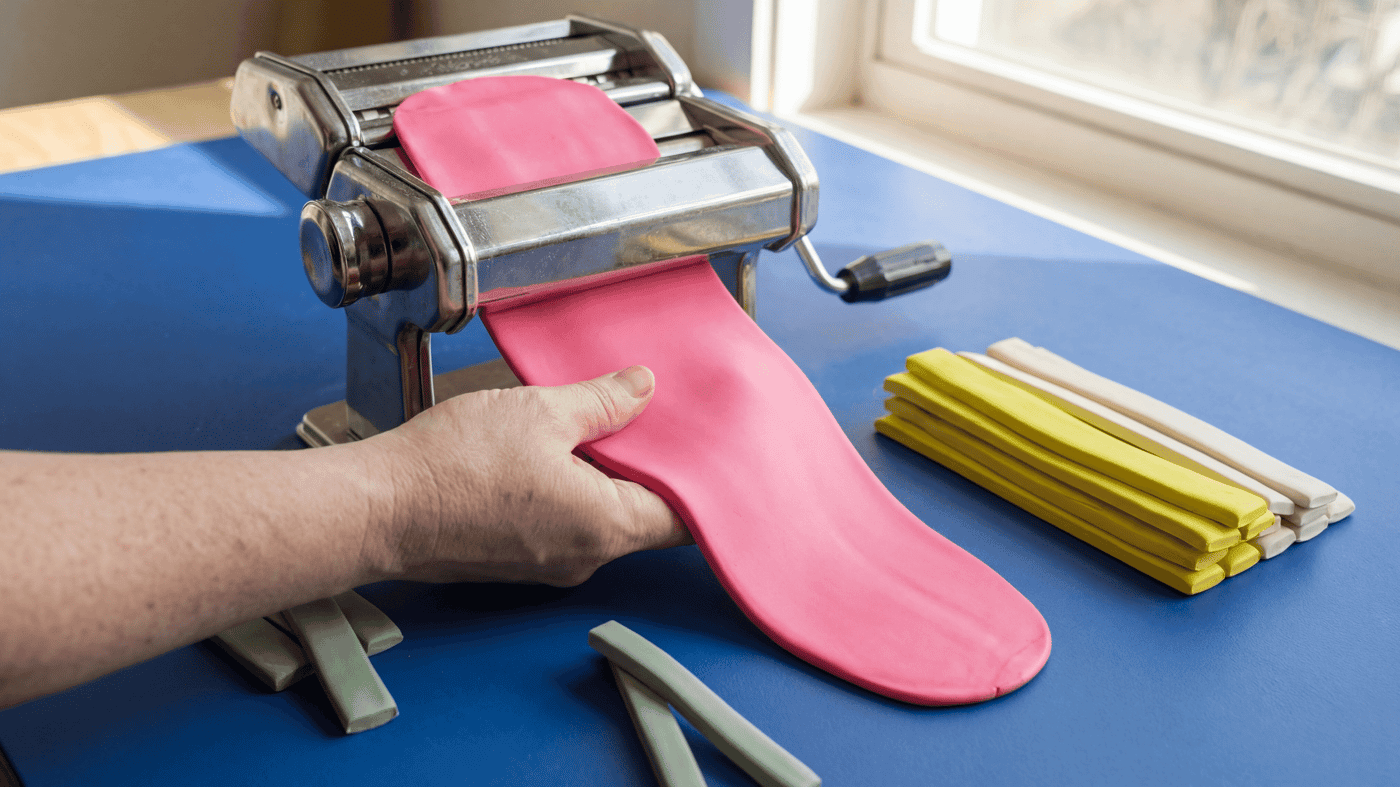
How to condition polymer clay and roll an even slab for cutters
Get every clay colour to the same softness, roll each layer to its measured thickness on a tile, and let warm clay firm up before you cut.
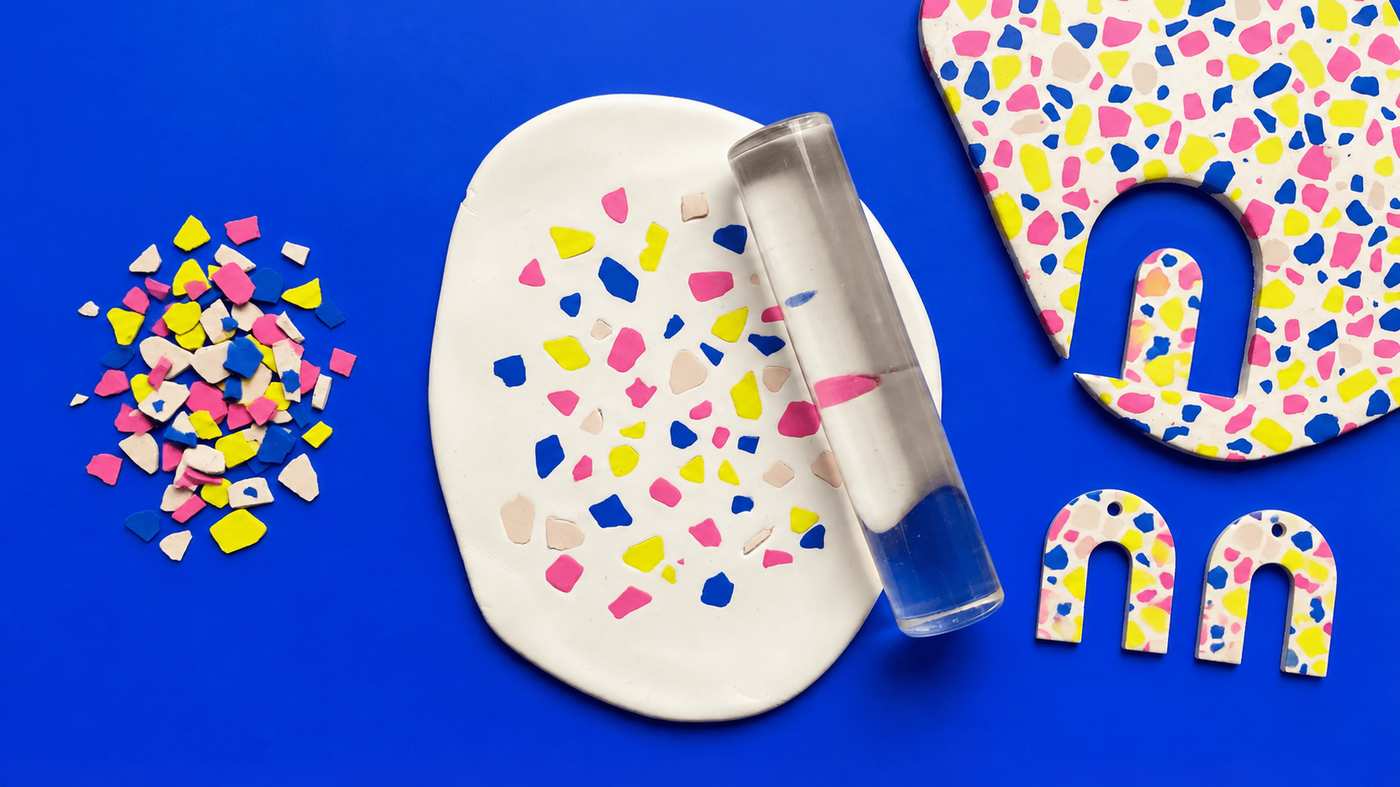
How to make polymer clay terrazzo: chips, slab, cut and sand
Roll thin chips in two to four colours, press them into a light base about 3 mm thick, roll them flush under paper, cut both earrings from the one slab, then bake and sand for the look of stone.
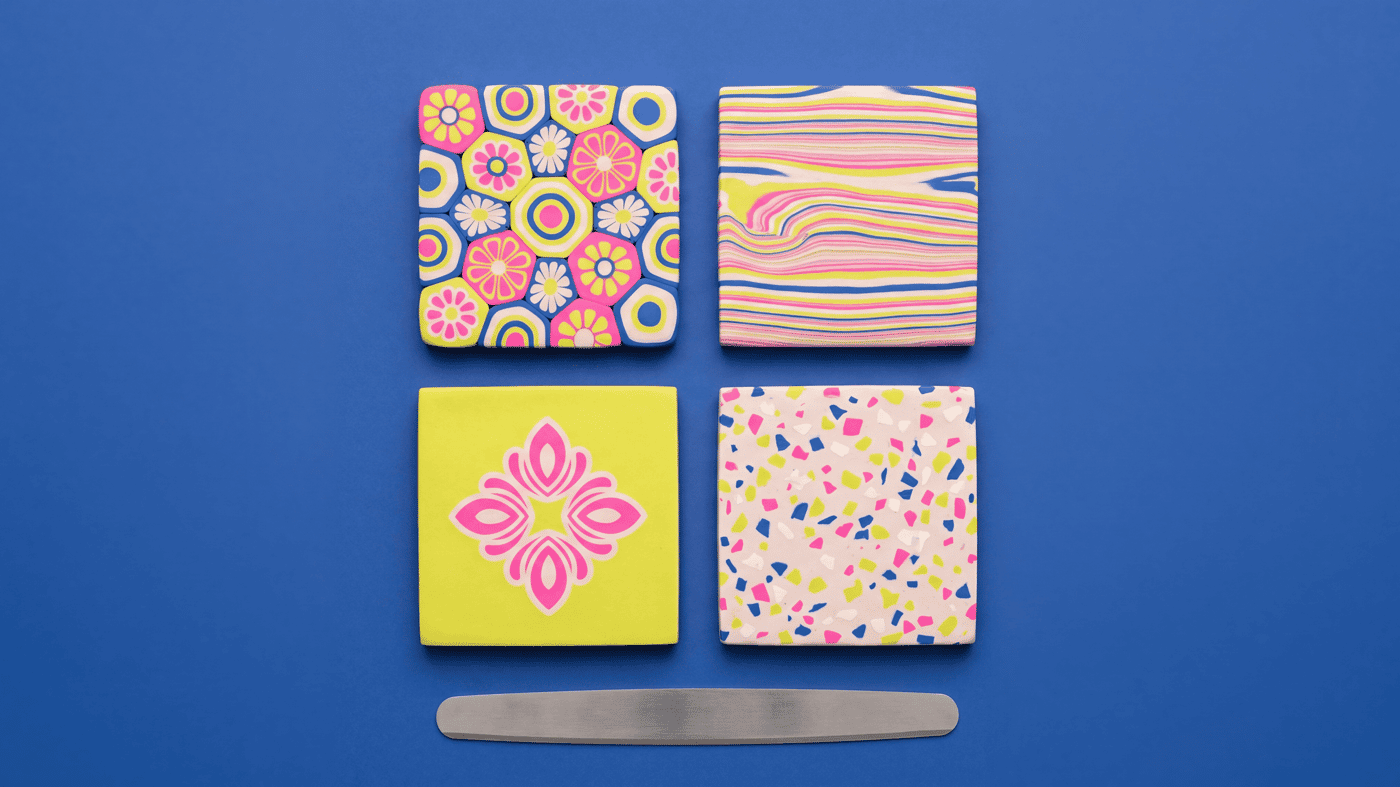
Polymer Clay Surface Effects: Cane, Inlay, Texture, or Print
Choose the surface method by the result you want: cane for a repeating slice pattern, inlay for a pressed two-color pattern, applique for raised motifs, and marbling for irregular color.
Finished examples with related clay decisions
Each piece shows how a material, attachment, or surface choice changes the final form.