Mismatched Retro Computer Studs. Build these as flat layered computer plaques with separate screen, stand, and keyboard bars, not as chunky desk miniatures. The image pair shows s…
AI-assisted concept

Mismatched Retro Computer Studs

Use this as a maker reference, not a final spec. Before you rely on it, check your clay brand's instructions, seller details, and manufacturer safety guidance for your own setup.

Disclosures

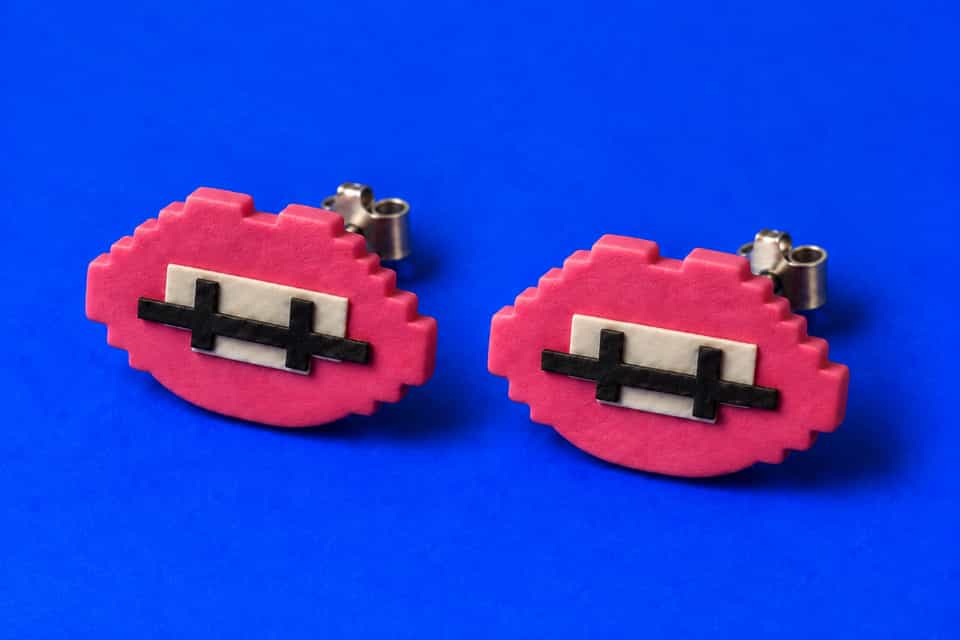
Build these as flat layered computer plaques with separate screen, stand, and keyboard bars, not as chunky desk miniatures. The image pair shows shallow monitor boxes that sit close to the ear, so keep each monitor body thin, stack the colored face pieces in order, and glue the flat pad stud posts on after baking.

At A Glance

Build Snapshot

A quick read on the clay method, surface finish, and effort level before you start gathering tools.

Technique
Layered Miniature Plaque
Finish
Light Gloss
Difficulty
Intermediate
Build effort
About 30 to 60 minutes

Dimensions, motif spacing, and step timing below are build-ready estimates inferred from the reference image and the listed technique. Verify measurements against your own setup before cutting or assembling.

Builder Guide

Build Steps

Work in sequence so the form, thickness, surface detail, and finishing stay controlled from prep through bake.

1
Step

Roll thin sheets first, then cut the two monitor rectangles so both studs share the same overall size even though the details differ.

2
Step

Stack the screen border, screen fill, stand, and keyboard strips in shallow layers instead of trying to model deep box forms.

3
Step

Add the keyboard keys and simple face details last, keeping everything low enough that the stud can still sit close to the ear.

4
Step

Bake both monitors flat on a tile so the backs stay clean and level.

5
Step

Glue the flat pad stud posts on after cure and rehearse the orientation first so the keyboards sit level when worn.

Common mistakes

  • If the monitor body gets too thick, the stud will sit awkwardly far off the ear.
  • A crooked keyboard strip will make the mismatch look accidental instead of designed.
  • Stud pads placed too high on the back can make the computer face tip forward.

Skin contact

Metal findings like posts, hooks, and jump rings may contain nickel or other allergens. If you have sensitive skin, choose surgical steel or titanium findings and test any sealant or coating on a small area before wearing.

Design Neighbors

More Like This

Explore adjacent builds with similar form, finish, or construction ideas.

Save Or Share

Keep this build handy while you test your own version.

Pin It

Made your version?

Tag #ClayBakeStudio on Instagram or TikTok.