Build kits
Polymer Clay Build Kits
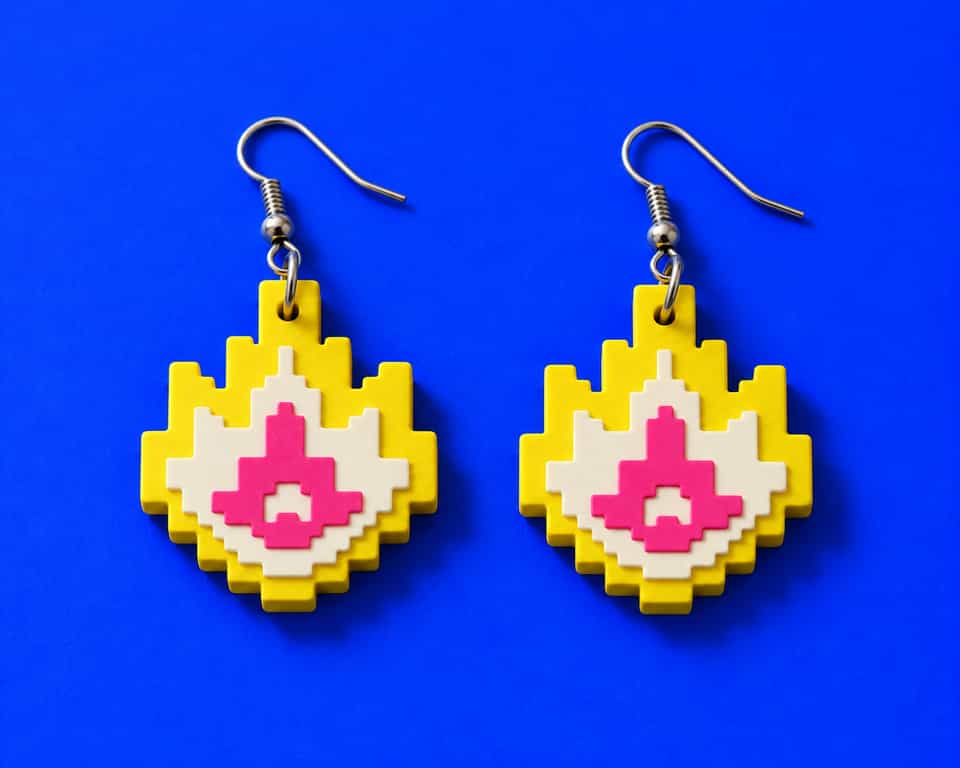
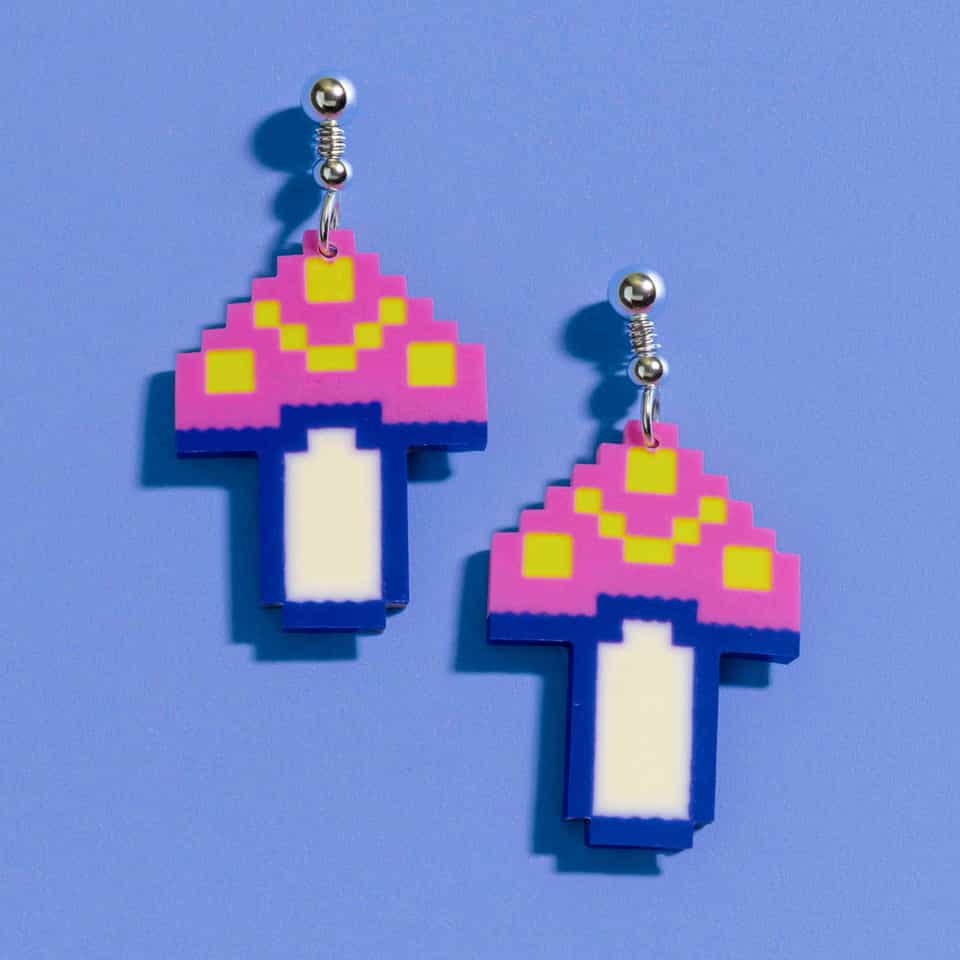
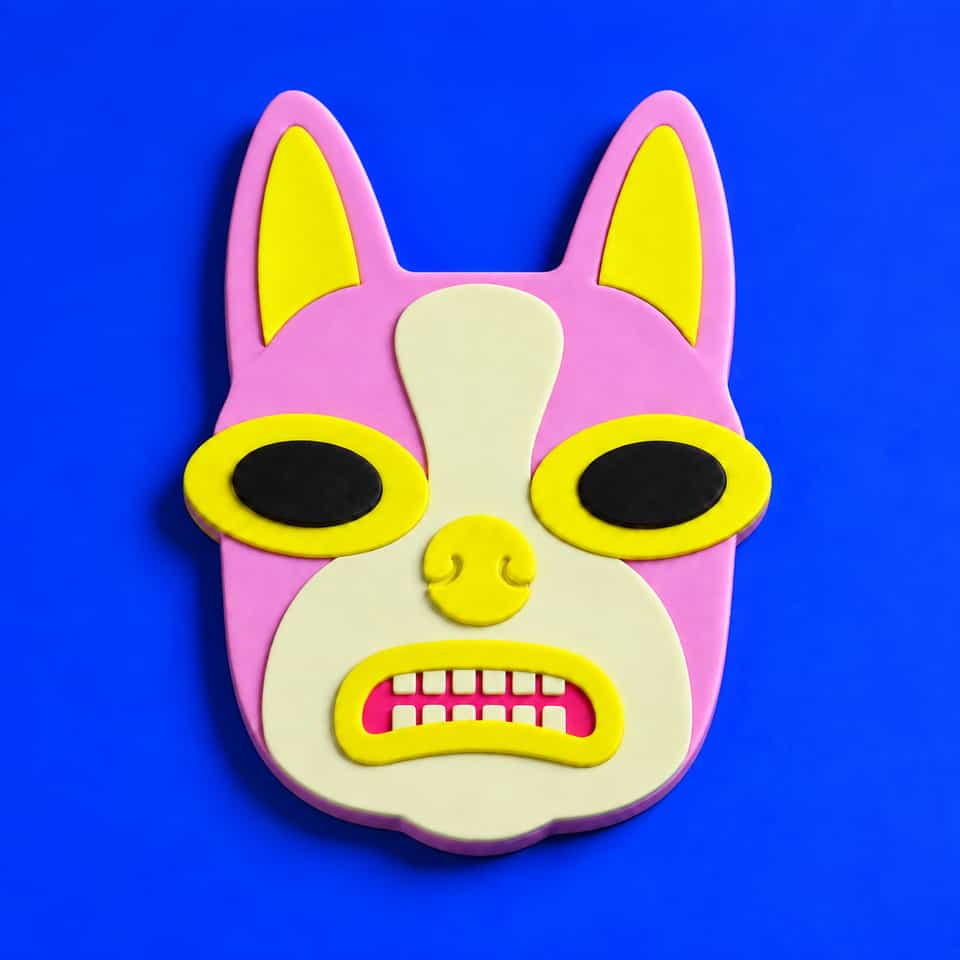
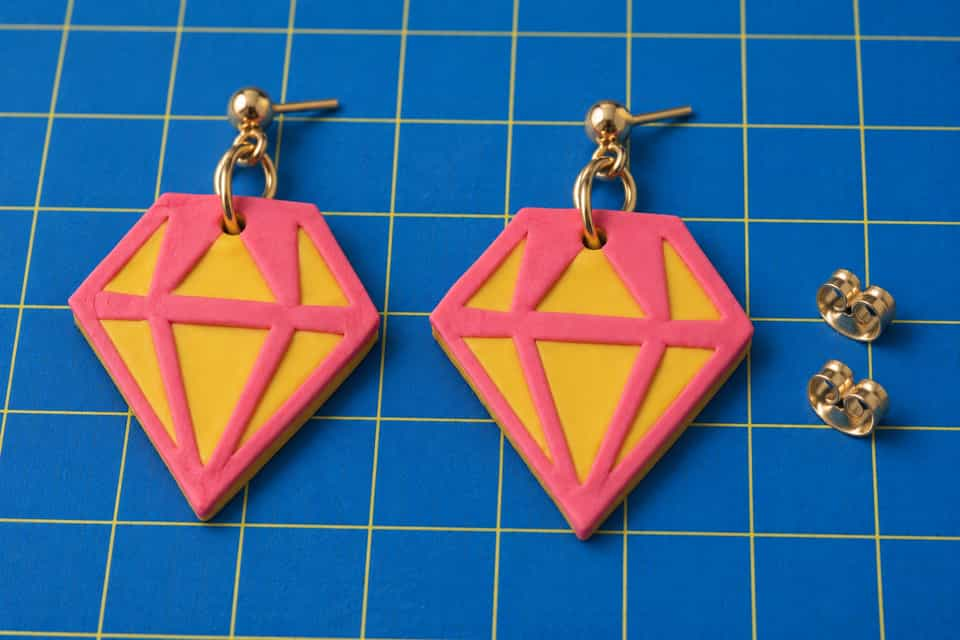
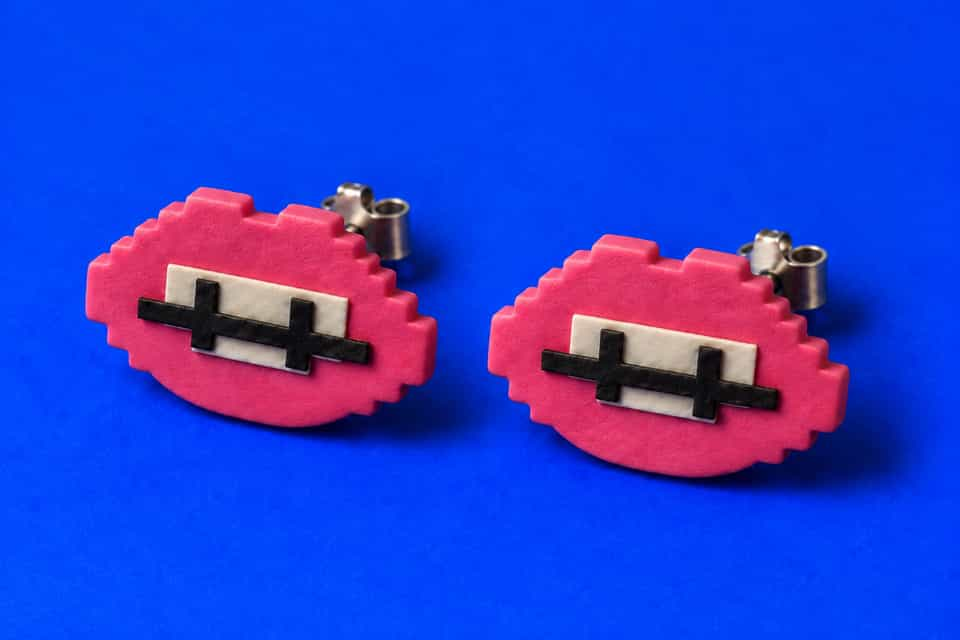
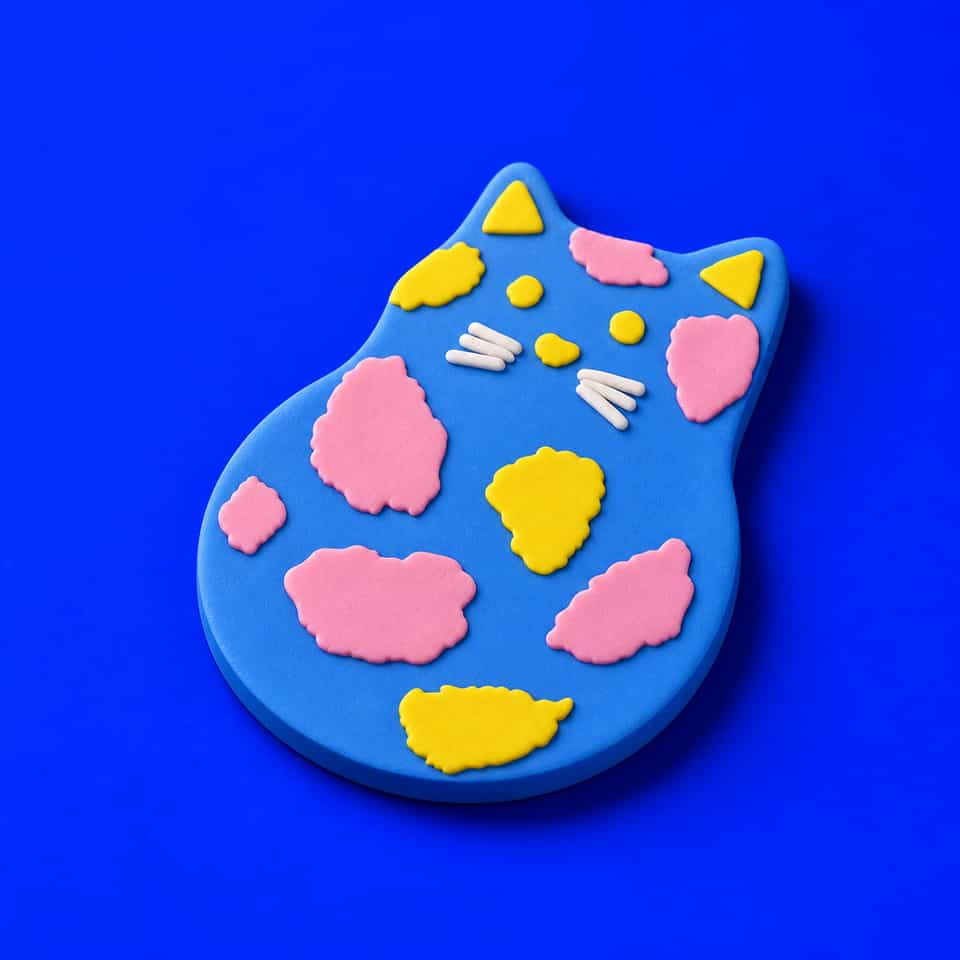
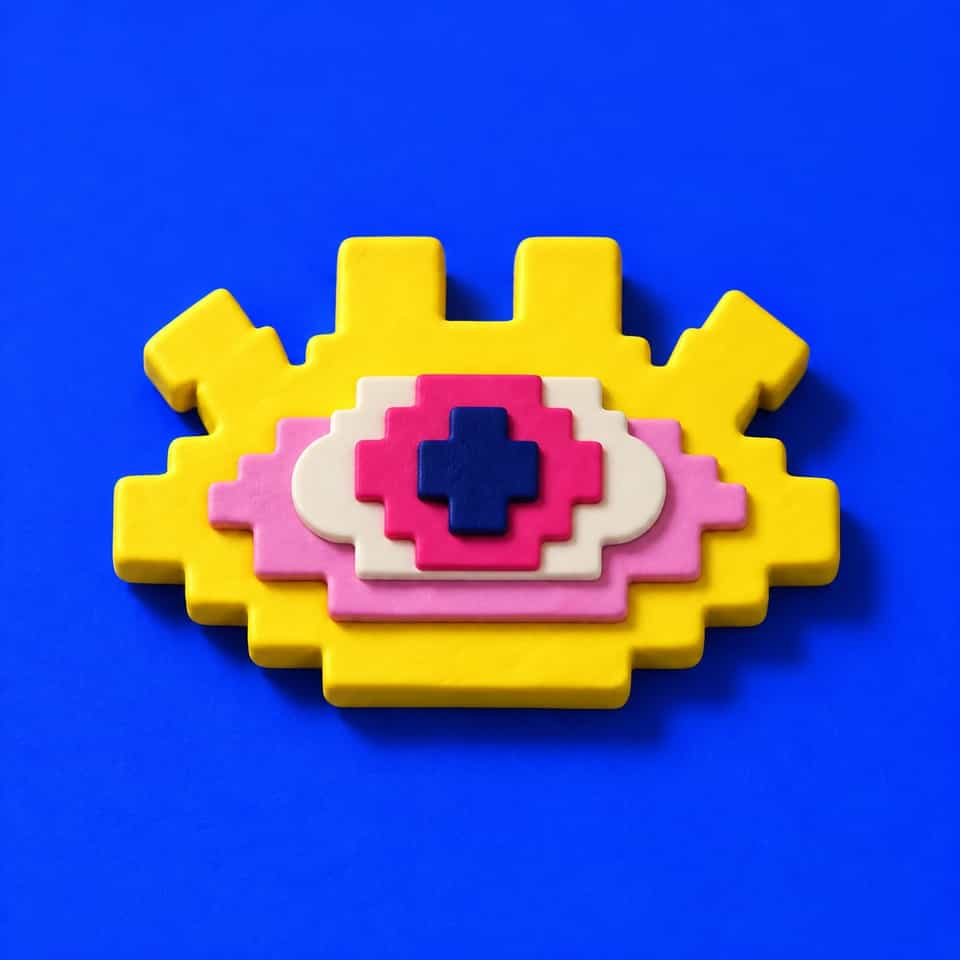
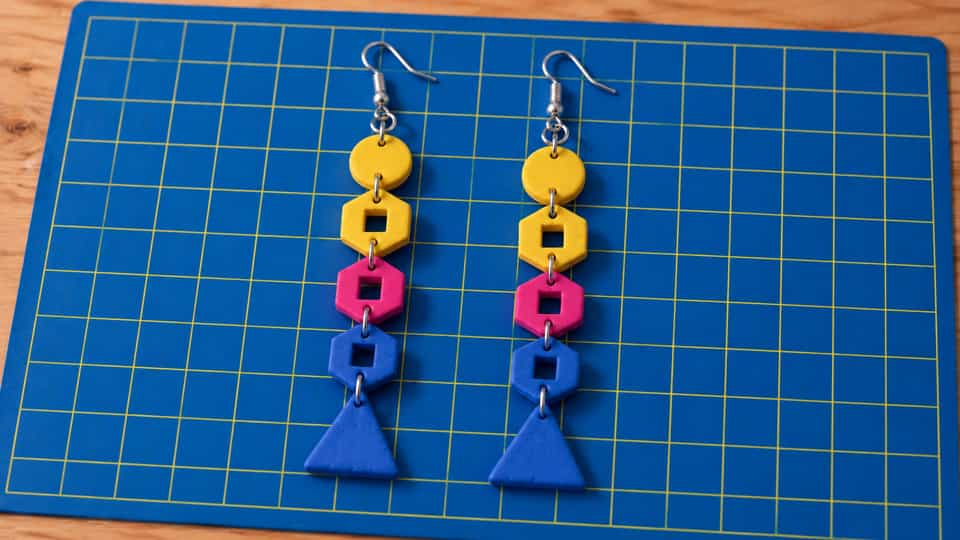
Pick a piece to make. Its kit has printable cutters and tools plus an illustrated guide. Use a 3D printer or a print service.

Pixel Flame will be free on every tier. The other kits will be included in the Full Library and Print & Sell memberships when the library opens. Compare the three tiers

Printing and access
Kit contents, printing and licence
- What is in a polymer clay build kit?
- Everything for one finished piece: the 3D-printable STL files for its cutters and other tools, sized for that design, an illustrated step-by-step making guide from cutting the layers to adding the findings, and a licence. Each kit page lists its own contents.
- Do I need a 3D printer?
- You need a 3D printer or a 3D printing service to turn the STL files into tools. No physical tools or finished pieces ship. You supply your own polymer clay, findings and the other materials the guide lists.
- How is a build kit different from the tools?
- The tools on /tools work across many designs: a shape cutter set, a stencil, a texture roller. A build kit is made for one design, with tools shaped for that piece and a guide that walks you through making it. Browse the tools
- Can I sell what I make with a build kit?
- Yes. You can sell the finished polymer clay pieces you make, including from the free Pixel Flame kit. The STL files and the guide may not be shared or sold, and printed tools from a build kit may not be sold. Each kit's licence has the full terms.
- How do I get a build kit?
- Pixel Flame is free. The other kits are included in the Full Library and Print & Sell memberships on Patreon, and a kit's release post may also offer it as a single purchase. Kits join the library as they are released, so each kit page shows whether it is free, in the library or coming to the library. See the digital library